ASGARD Security Center v2 Manual Logo

Contents

  • 1. Before You Begin
  • 2. Setup Guide
    • 2.1. Create a new ESX VM and mount the ISO
    • 2.2. Navigate through the Installer
    • 2.3. Network Configuration
    • 2.4. Choosing a Password
    • 2.5. Partitioning of the Hard Disk
    • 2.6. Proxy Configuration
    • 2.7. Changing the IP-Address
    • 2.8. Installing the Components
  • 3. First Steps
  • 4. Findings, Assets and Tenants
  • 5. Administrative Tasks
  • 6. Known Issues
  • 7. Changelog
ASGARD Security Center v2 Manual
  • 2. Setup Guide
  • 2.2. Navigate through the Installer
Previous Next

2.2. Navigate through the Installer

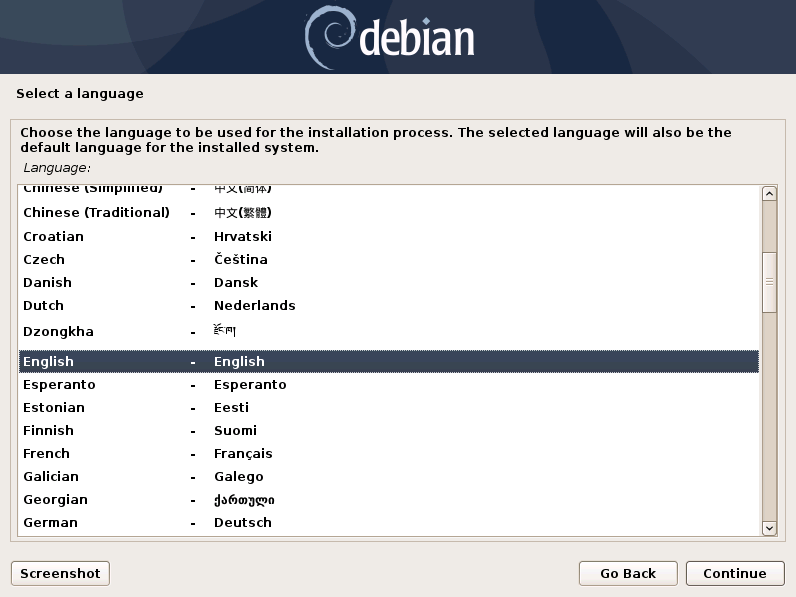
The installation Process is started by clicking on ASGARD Graphical install. The installer then loads the additional components from the ISO and lets you select location and language.
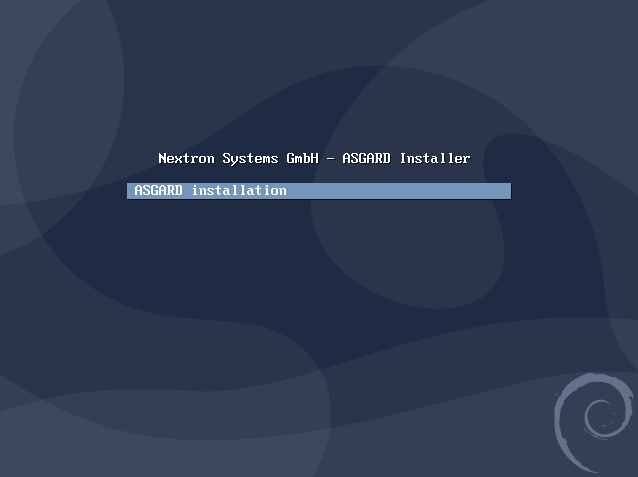
ISO Installer - ASGARD
Select a language
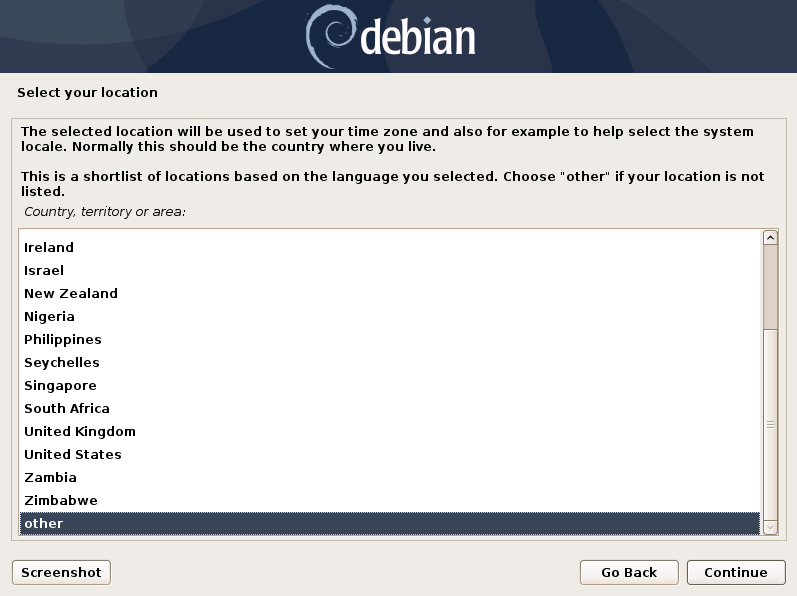
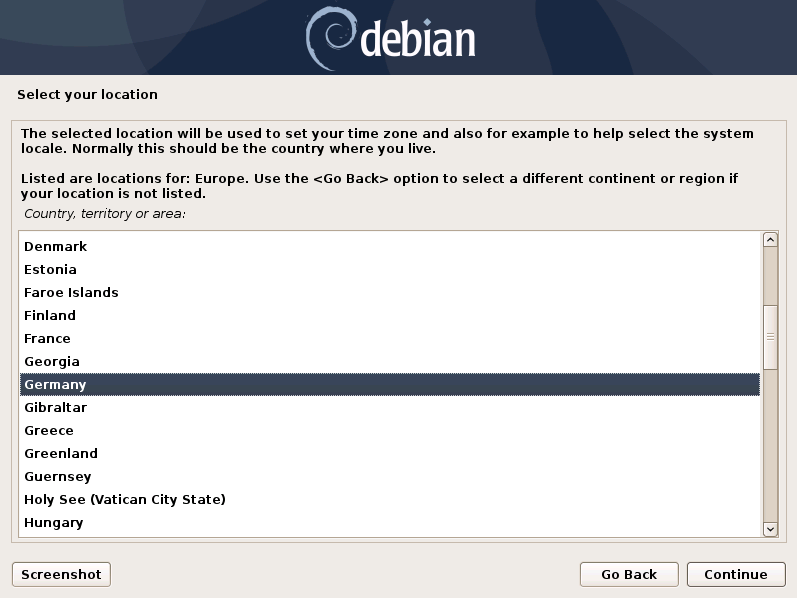
Select your location

Warning

Please make sure to select the correct Country, as this will also set your local timezone!
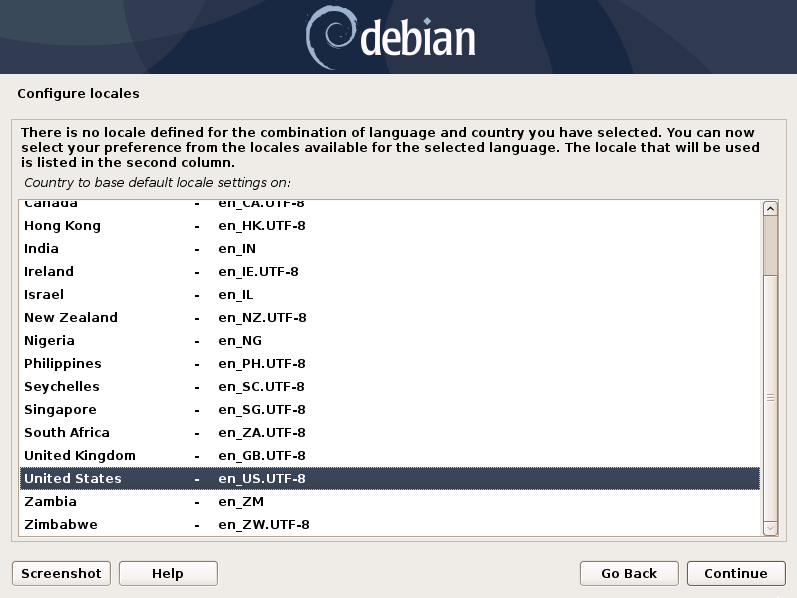
Configure locales

Note

If DHCP is available, network parameters will be configured automatically. Without DHCP, ASGARD drops into the manual network configuration dialogue. The IP address can be changed later, see Changing the IP-Address

Previous Next

© Copyright 2026, Nextron Systems GmbH.

Built with Sphinx using a theme provided by Read the Docs.